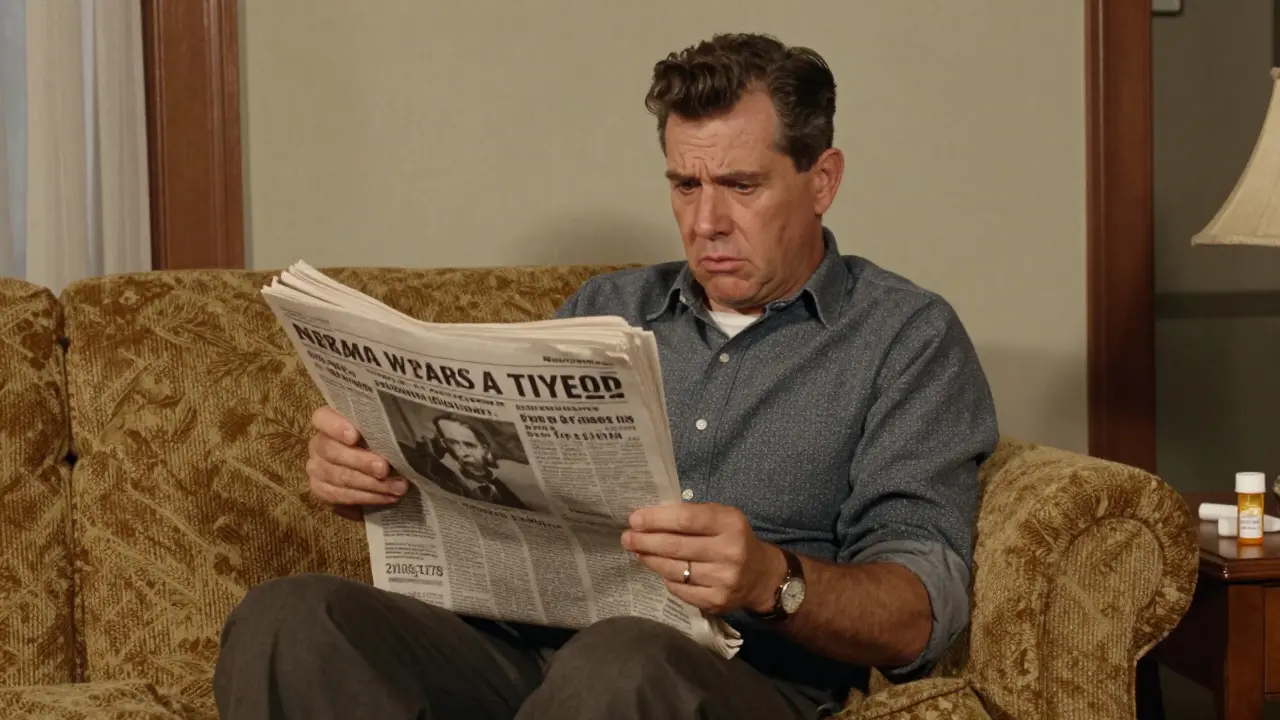

Imagine finding out your daily blood pressure medication was recalled weeks after the news broke. For many, that's the reality when they rely on word-of-mouth or random news clips. But there's a way to get this information the second it's official. By subscribing to FDA drug safety alerts, you move from being a passive observer to an informed advocate for your own health or your patients' safety.
The U.S. Food and Drug Administration doesn't just have one "alert button." Instead, they run three distinct systems designed for different needs. Whether you're a pharmacist who needs to know about a batch recall or a patient monitoring a specific allergy, knowing which list to join is the first step to avoiding dangerous medication errors.
Key Takeaways for Staying Safe
- Enforcement Reports: Best for specific product recalls using custom keywords.
- MedWatch: The broadest safety net for adverse events and general alerts.
- Drug Safety Communications: Targeted updates on specific drug classes and clinical issues.
- Customization: You can use up to five (and soon ten) keywords to filter for specific drugs like "insulin."
- Cost: All official FDA subscription services are completely free.
Which FDA Alert System Do You Actually Need?
The biggest headache for new users is that the FDA splits its notifications across three different platforms. If you sign up for only one, you might miss critical data. Here is how to tell them apart.
The Enforcement Report Subscription Service is a targeted notification system that alerts users specifically when products are recalled. This is the "action" list. If a company finds a contaminant in a batch of pills, this is where the notice hits. The magic here is the keyword feature; you can tell the system to ping you only when words like "peanut" or "valsartan" appear.
MedWatch is the FDA's primary program for detecting and preventing adverse events. Think of this as the broad safety net. It's less about a specific "bad batch" and more about long-term safety trends or new side effects discovered after a drug hits the market.
Drug Safety Communications focuses on the clinical side. These alerts are often sent to healthcare providers to change how they prescribe a medication or to warn patients about a new interaction that doesn't necessarily trigger a full product recall.
| Feature | Enforcement Reports | MedWatch | Drug Safety Communications |
|---|---|---|---|
| Primary Focus | Product Recalls | Adverse Events | Clinical Safety Issues |
| Keyword Filtering | Yes (Up to 5) | No | By Drug Class |
| Delivery Speed | Very High (Avg 4.2 hrs) | High | Moderate |
| Best For | Pharmacy/Inventory | General Safety | Doctors/Specialists |
Step-by-Step: Setting Up Your Subscriptions
Getting set up takes less than five minutes per service. You don't need a complex account; usually, just a valid email address will do.
1. Subscribing to Enforcement Reports
- Navigate to fda.gov/enforcement-report-subscription.
- Enter your email address.
- Select your categories. While you can pick food or cosmetics, most health-conscious users select "Drugs."
- Set your frequency. Choose "Daily" if you manage a clinic or pharmacy, or "Weekly" if you're a consumer.
- Add your keywords. For example, if you are monitoring a specific medication, enter the generic name of that drug to ensure you don't get buried in irrelevant alerts.
2. Joining the MedWatch E-list
- Go to the MedWatch email list page on the FDA website.
- Fill out the brief sign-up form.
- For those who prefer social media, follow @FDAMedWatch on X (formerly Twitter) for real-time snippets of safety news.
3. Signing Up for Drug Safety Communications
- Visit the Drug Safety and Availability section of the FDA site.
- Click the "Sign up for email alerts" button.
- Select the medical specialties or drug classes that apply to your health needs.
Dealing with "Alert Fatigue"
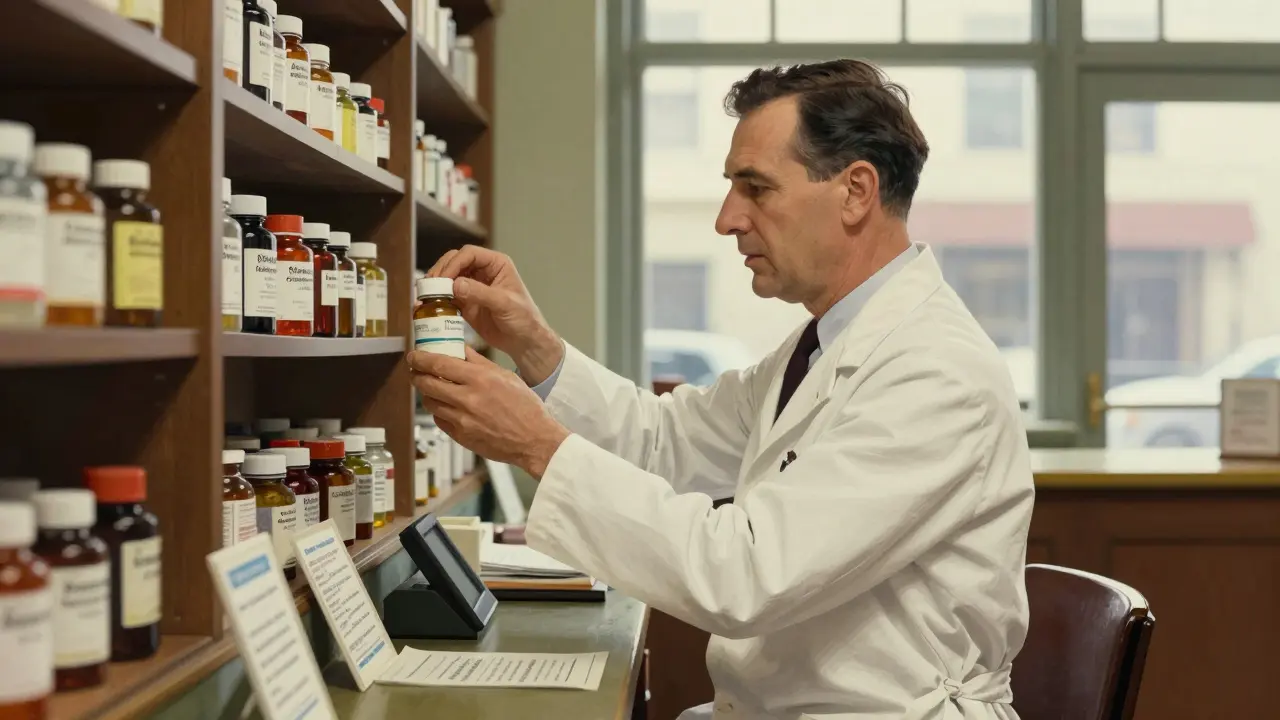
If you subscribe to everything, your inbox will eventually look like a pharmacy warehouse-overwhelming and cluttered. This is known as "alert fatigue," and it's a real problem. In fact, some experts have noted that too many low-priority alerts can cause people to ignore the truly critical ones.
To keep your sanity, use these strategies:
- Create a dedicated email folder: Set up a filter in Gmail or Outlook to move all FDA emails into a "Health Safety" folder so they don't clutter your primary inbox.
- Be strict with keywords: Don't use generic words like "pill." Use specific drug names or chemical compounds.
- Check for the "Urgency" marker: Look for keywords like "Class I Recall" (the most serious) versus "Class III" (least serious) to prioritize what to read first.
FDA vs. Commercial Safety Tools
You might see paid services like MedWatcher or First Databank's Clinical Decision Support. These are powerful, but they serve a different purpose. Commercial tools often offer mobile push notifications and personalized risk assessments-things the FDA doesn't currently provide.
However, the FDA system has one massive advantage: regulatory authority. While a commercial app might summarize a report, the FDA alert is the report. A 2023 study showed that FDA alerts hit inboxes significantly faster (about 4.2 hours) than many commercial alternatives. If you want the raw, official truth without a middleman, the government subscription is your best bet.
What's Changing in 2025 and 2026?
If you've found the current system fragmented, there is good news. The FDA is currently working on a massive overhaul. By late 2025, the agency plans to merge the Enforcement Report, MedWatch, and Drug Safety Communications into a single, unified platform.
Even more exciting is the introduction of machine learning. Instead of just sending every alert to every subscriber, the new system will use AI to prioritize alerts based on clinical urgency. They are also expanding the keyword limit from five to ten, giving you much finer control over what hits your inbox. If you aren't a native English speaker, look out for the Spanish-language alert rollout scheduled for late 2025.
Is there a cost to subscribe to FDA alerts?
No. All official FDA subscription services, including MedWatch and the Enforcement Report system, are free for the public and healthcare professionals.
What is the difference between a recall and a safety communication?
A recall (found in Enforcement Reports) happens when a specific batch of a product is defective or contaminated and must be removed from the market. A safety communication (found in Drug Safety Communications) is a general warning about a drug's risks, side effects, or a need for label changes that may apply to all batches of that medication.
Can I get these alerts on my phone via an app?
Currently, the FDA primarily uses email, RSS feeds, and social media. However, mobile app integration is part of the 2025-2026 strategic plan to address user requests for push notifications.
How many keywords can I use for my alerts?
Currently, you can use up to five custom keywords. The FDA has announced plans to expand this to ten keywords per account by the end of 2025.
What should I do if I get a recall alert for my medication?
First, don't panic and don't stop taking your medication immediately without talking to a professional, as some withdrawal symptoms can be dangerous. Check the lot number on your packaging against the alert, then call your pharmacist or doctor to discuss a safe replacement.
Next Steps for Your Safety Strategy
If you're a patient, start with the Enforcement Report using 2-3 keywords for your most critical medications. It's the fastest way to know if your specific bottle is safe.
If you're a healthcare provider, you should subscribe to all three. The overlap is worth the effort because the clinical nuance in a Safety Communication is just as vital as the logistics of a Recall report.
If you're managing a facility, ensure your staff knows how to use the search function on the FDA site to double-check lot numbers during inventory audits. Don't rely on a single person to monitor the email-set up a shared inbox for all safety alerts.